
Filtering Is NOT Curation: A 2025 Guide for Marketers, Researchers and Knowledge Managers
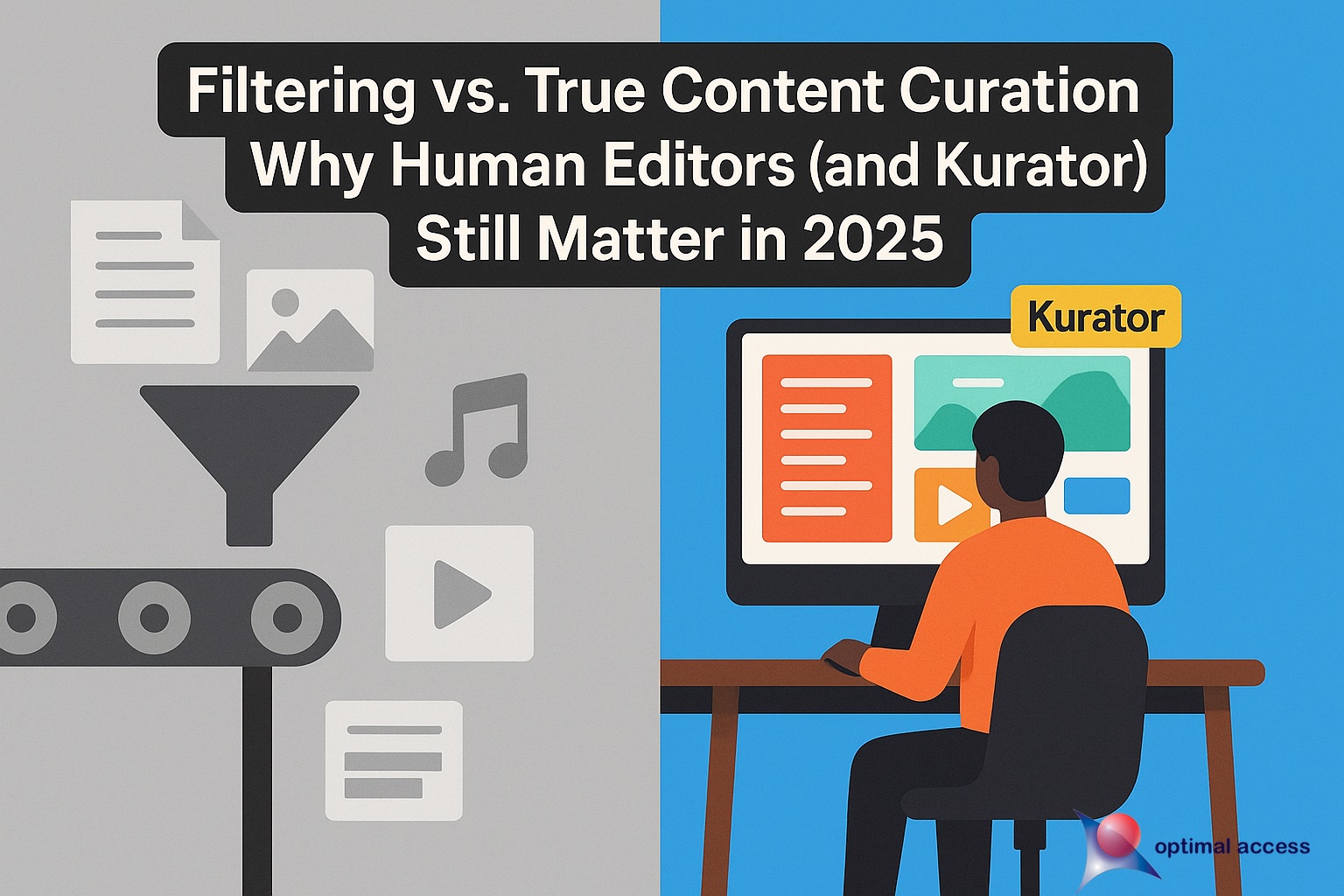
The landscape has changed. In 2025 every smart feed, AI summary, and “one-click insight” promises to slash research time—but all they really do is filter.
True content curation still demands a human eye to spot nuance, weed out noise, and shape a story. That’s why editors (and Kurator) matter more than ever.
Understanding Content Aggregation, Filtering and Curation
Search engines, RSS readers, and social dashboards (e.g., Feedly, Flipboard, Twylah) excel at aggregation and keyword-based filtering. They are indispensable at the top of the funnel, but they can’t:
- Decide which piece truly answers your audience’s question
- Summarize the insight in context of other sources
- Continuously update, reorder or remove links as new evidence appears
That higher-order work—evaluation, annotation and ongoing optimization—is “curation” in the sense defined a long time ago in Internet years by Sherbin in the post “Should you Curate content” (CMI) and Rohit Bhargava in the post “Manifesto for the Content Curator“.
Why Human Editorial Judgment Matters
Even the smartest AI feeds can only surface potentially relevant information; they can’t decide what truly serves your audience or how each piece should fit into your brand story.
That final mile—the moment where raw links become insight—is where Kurator shines. The Chrome-based extension gives human editors an end-to-end workspace to capture sources, annotate them, and publish curated collections with the depth and authority algorithms alone can’t deliver.
Cutting Through Noise and Misinformation
Automation often drags in duplicate articles, outdated statistics, or outright false claims. Human curatores on the other hand can quickly scan a batch of links, toss the clickbait, and flag contradictory data for deeper review—all before it ever reaches your readers. The result: lean, reliable resource hubs your audience can trust.
Adding Commentary, Narrative Flow, and Brand Voice
Facts without context feel hollow. Curators can append quick notes, full-length summaries, or multimedia call-outs next to every saved item.
They can rearrange links into a logical storyline—opening with big-picture trends, drilling into case studies, then closing with forecasts—so visitors never feel lost in a pile of disconnected headlines.


Building Trust and Topical Authority (Hello, E-E-A-T)
Google’s search rater guidelines reward pages that show Experience, Expertise, Authoritativeness, and Trust.
By attaching your own analysis, sourcing dates, and tagging authors and publishers, Curators turns a simple bookmark list into a structured, expert-commentated library.
Each curated collection signals to both readers and search engines that a knowledgeable human has vetted—and vouches for—the content.
Bottom line: Filters get you quantity; human curation delivers quality that ranks, resonates, and converts.
- Removes misinformation and repetition (“noise”)
- Adds commentary, narrative flow and brand voice
- Builds trust and topical authority—an SEO ranking signal Google calls “Experience, Expertise, Authoritativeness and Trust” (E-E-A-T)
Supercharge Your Curation Workflow with Kurator (Chrome)
Kurator is a Chromium extension purpose-built for researchers, marketers and educators who want to curate faster without losing human oversight.
Key Features & Benefits
- Automatic Scraping: When you click “Save,” Kurator captures the headline, URL, image, author, publisher, date, description and tags—no copy-pasting.
- Collection Folders: Drag and drop links into topic-based folders (e.g., “Generative AI,” “Sustainability,” “Financial-Tech Regulations”).
- Custom OpenAI Prompts: 1-click summaries, sentiment analysis or YouTube transcript generation—stored right beside the original link.
- Powerful Search & Edit: Instantly surface any saved item via folder, tag, author or keyword.
- Publish in Seconds: Turn folders into public content galleries on your website or share them via KChat, Kurator’s ChatGPT-powered assistant that lets visitors ask questions across your curated knowledge base.
Sample Workflow
- Aggregate: Use Feedly or your favorite RSS tool to surface 100+ AI-marketing articles.
- Filter: Narrow to pieces published in the last 30 days.
- Curate with Kurator:
a. Save the strongest articles into a “AI Marketing Tactics” folder.
b. Auto-generate 100-word summaries via your custom “Summarize + Key Takeaways” prompt.
c. Re-order links manually and delete duplicates.
d. Publish the folder as an embeddable gallery on your blog.
- Engage: Let readers interrogate that gallery through KChat (“What are the top three risks of GPT-4 for marketers?”).
Where AI Stops and You Start
Kurator’s custom-prompt engine turns “generic” AI into a set of precision assistants you control.
Large language models are brilliant at digesting huge volumes of content—summarizing, clustering, tagging—but they’re blind to brand nuance, audience sensitivities, and the subtle red flags that experts spot in a heartbeat.
That’s why Kurator lets you design custom prompts and attach them to every page you save. Instead of hoping a one-size-fits-all model gets it right, you fire the exact AI routine your context demands—and only when it makes sense.
How It Works
- Capture a source (article, PDF, YouTube video) with one click.
- Select or create a prompt—for example:
- “Summarize in three bullet points, highlight any data cited.”
- “Rewrite for LinkedIn in Neil Patel’s voice with a punchy hook.”
- “Extract company names and investment amounts for my fintech database.”
- Run the prompt right inside Kurator; the AI output is saved beside the original link.
- Review & refine—add your commentary, reorder items, or trigger a follow-up prompt (e.g., sentiment analysis or keyword extraction).
Why It Matters
- Human-directed AI You decide when and how the model works, eliminating off-topic rambles or hallucinations.
- Contextual precision Different prompts for different folders—product reviews get sentiment scoring, academic papers get methodology breakdowns.
- Scalable consistency Once a prompt proves useful, reuse it across your team so every curator applies the same editorial standard.
- True “humans + agents” synergy AI handles the heavy lifting; you supply the critical thinking that turns raw insight into strategic advantage.
Bottom line: Kurator doesn’t replace your judgment—it amplifies it. By wiring custom prompts into your workflow, you transform LLMs from blunt filters into specialized micro-agents that work exactly the way you want.
Activate your first prompt today and see how fast scattered links become laser-focused intelligence.
SEO Boost: Structured Data + Freshness
Because Kurator stores publisher, author, date and tag metadata, the content galleries you embed automatically contain rich structured data that search engines love. Add your commentary and you have regularly updated, high-E-E-A-T landing pages that rank.
Getting Started
- Install Kurator from the Chrome Web Store (free plan available)
- Create your first folder on a topic you already monitor
- Set up a custom OpenAI prompt like “In two sentences, explain why this article matters to B2B SaaS founders.”
- Share or embed the resulting gallery to demonstrate your expertise—and drive newsletter sign-ups.







Conclusion
Filtering is a crucial first step, but it is not the destination. True content curation demands human insight layered on top of smart technology.
With Kurator’s AI-augmented bookmarking, search and publishing features, you can move from mere aggregation to authoritative curation in minutes, not hours. Start today and turn your research clutter into a strategic content asset.
Keywords used: content curation, filtering, aggregation, knowledge management, AI summarization, Kurator, Chrome extension, OpenAI, content curation tools, SEO, E-E-A-T, digital marketing.